INPUT / USB HID
USB Macro Keyboard
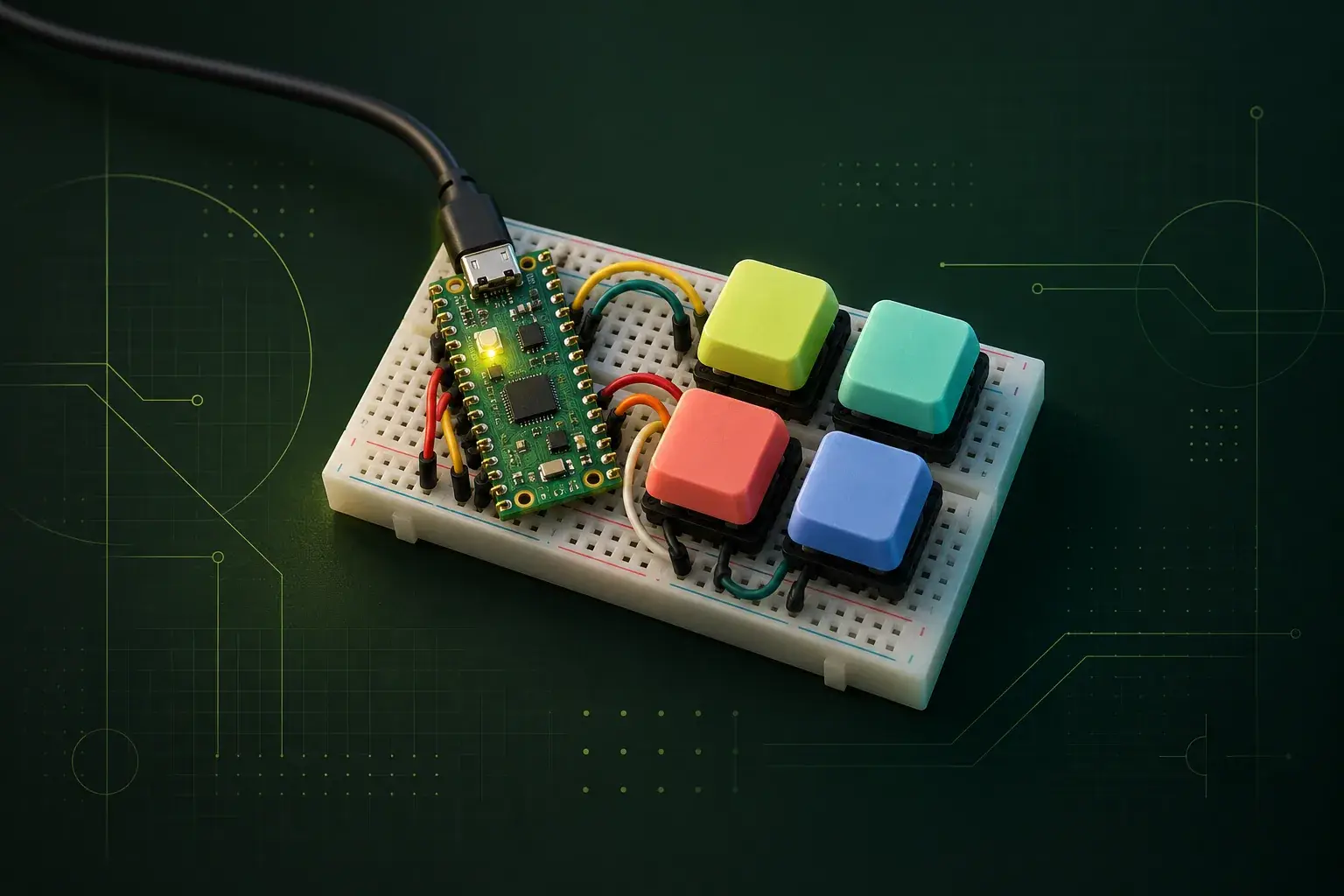
Four tactile pushbuttons turn a Raspberry Pi Pico into a tiny USB macro keyboard. Assign shortcuts for window switching, text snippets, or other repetitive actions, then plug it into a computer as a standard keyboard.
EST. €17.30
Build #30
Build plan
Make it
your own.
- Build time
- 2–3 hours
- Main interface
- USB HID keyboard
- 01Place the Pico and four pushbuttons across the centre gap of a solderless breadboard.
- 02Connect one side of each button to ground and the other side to a Pico GPIO pin.
- 03Load CircuitPython with USB HID keyboard support and confirm the Pico appears as a keyboard.
- 04Map each button to a shortcut or short text macro and add a simple debounce delay.
- 05Plug the pad into a computer and try the four shortcuts in a text editor or browser.
- This uses four breadboard-friendly tactile switches with small caps; no case or cutting is required.
- The Pico sends normal USB keyboard reports, so no musical equipment or MIDI setup is needed.
Bill of materials
Parts list
BerryBase parts were listed in stock on 1 Oct 2026. Stock and prices can change; workshop materials are listed separately.
ItemCost
- 01Raspberry Pi Pico WHIn stock · checked 1 Oct 2026
- 024x short-stroke tactile pushbuttonIn stock · checked 1 Oct 2026
- 034x round button capIn stock · checked 1 Oct 2026
- 04400-point breadboardIn stock · checked 1 Oct 2026
- 0540-pin Dupont jumper-wire assortmentIn stock · checked 1 Oct 2026
- 06Raspberry Pi Micro USB cableIn stock · checked 1 Oct 2026
Estimated build total€17.30